
Before You Start
Before signing in for the first time, you will need to install the Microsoft Authenticator app on your mobile phone. This app is used to verify your identity when you log in, and is a required part of the setup process.
Please install the app before continuing with the steps in this guide.
Android
- Open the Google Play Store on your Android device.
- Search for Microsoft Authenticator, or use this direct link: Download from Google Play
- Tap Install and wait for the app to download.
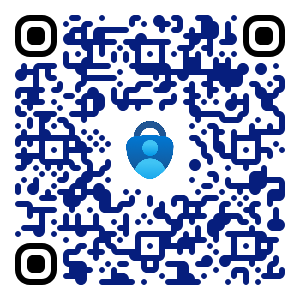
iPhone
- Open the App Store on your iPhone.
- Search for Microsoft Authenticator, or use this direct link: Download from the App Store
- Tap Get and wait for the app to download.

Once the app is installed, you are ready to proceed.
No comments to display
No comments to display